yark
→ View on GitHubAI Summary: Yark is a YouTube archiving tool designed to simplify the process of downloading and managing video content and metadata from YouTube channels. Its primary use case is to create and maintain local archives of videos, allowing users to refresh and view their collections offline, complete with timeline reports and commenting features. Notable features include an easy-to-use command line interface, support for rich history and stats visualization, and a robust directory-based archive structure that preserves deleted or private videos.
README
Yark
YouTube archiving made simple.
Installation
To install Yark, simply download Python 3.9+ and FFmpeg (optional), then run the following:
$ pip3 install yark
Managing your Archive
Once you’ve installed Yark, think of a name for your archive (e.g., “foobar”) and copy the target’s url:
$ yark new foobar https://www.youtube.com/channel/UCSMdm6bUYIBN0KfS2CVuEPA
Now that you’ve created the archive, you can tell Yark to download all videos and metadata using the refresh command:
$ yark refresh foobar
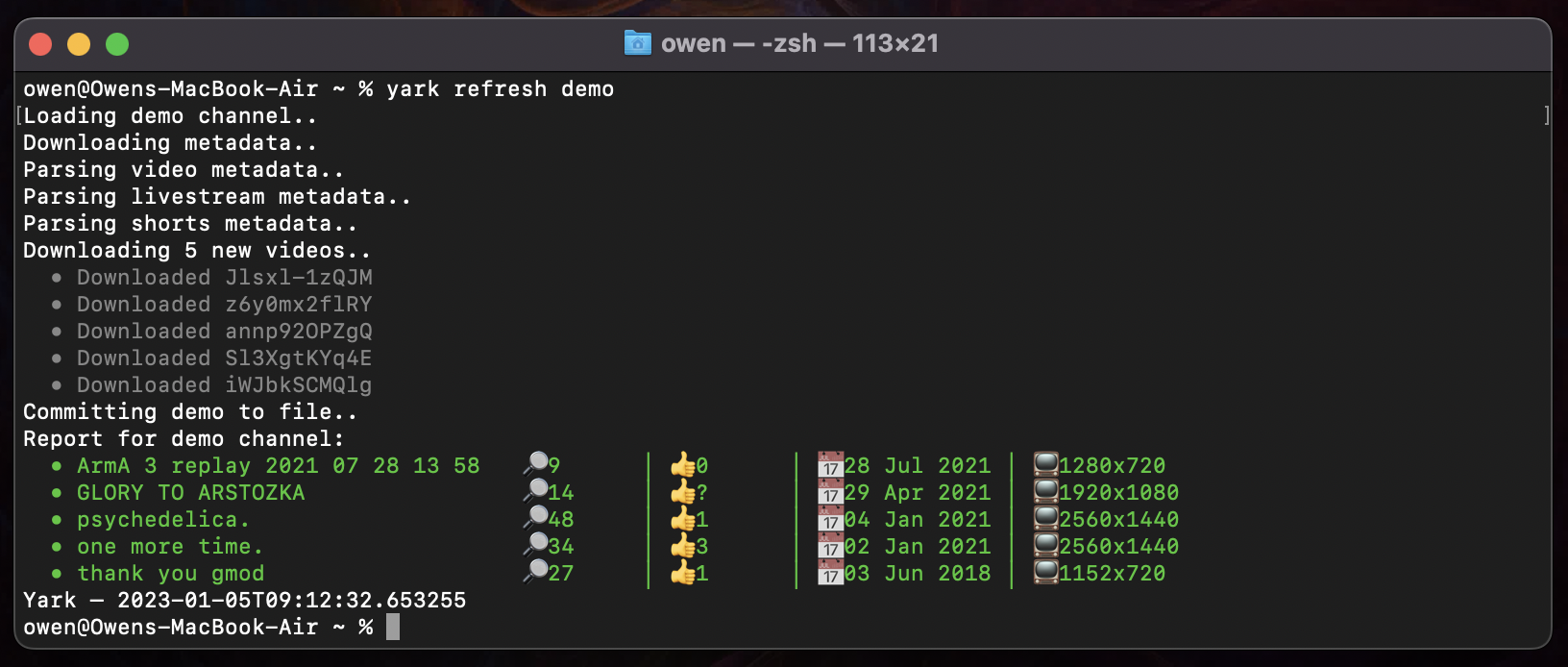
Once everything has been downloaded, Yark will automatically give you a status report of what’s changed since the last refresh:
Viewing your Archive
Viewing you archive is easy, just type view with your archives name:
$ yark view foobar
This will pop up an offline website in your browser letting you watch all videos 🚀
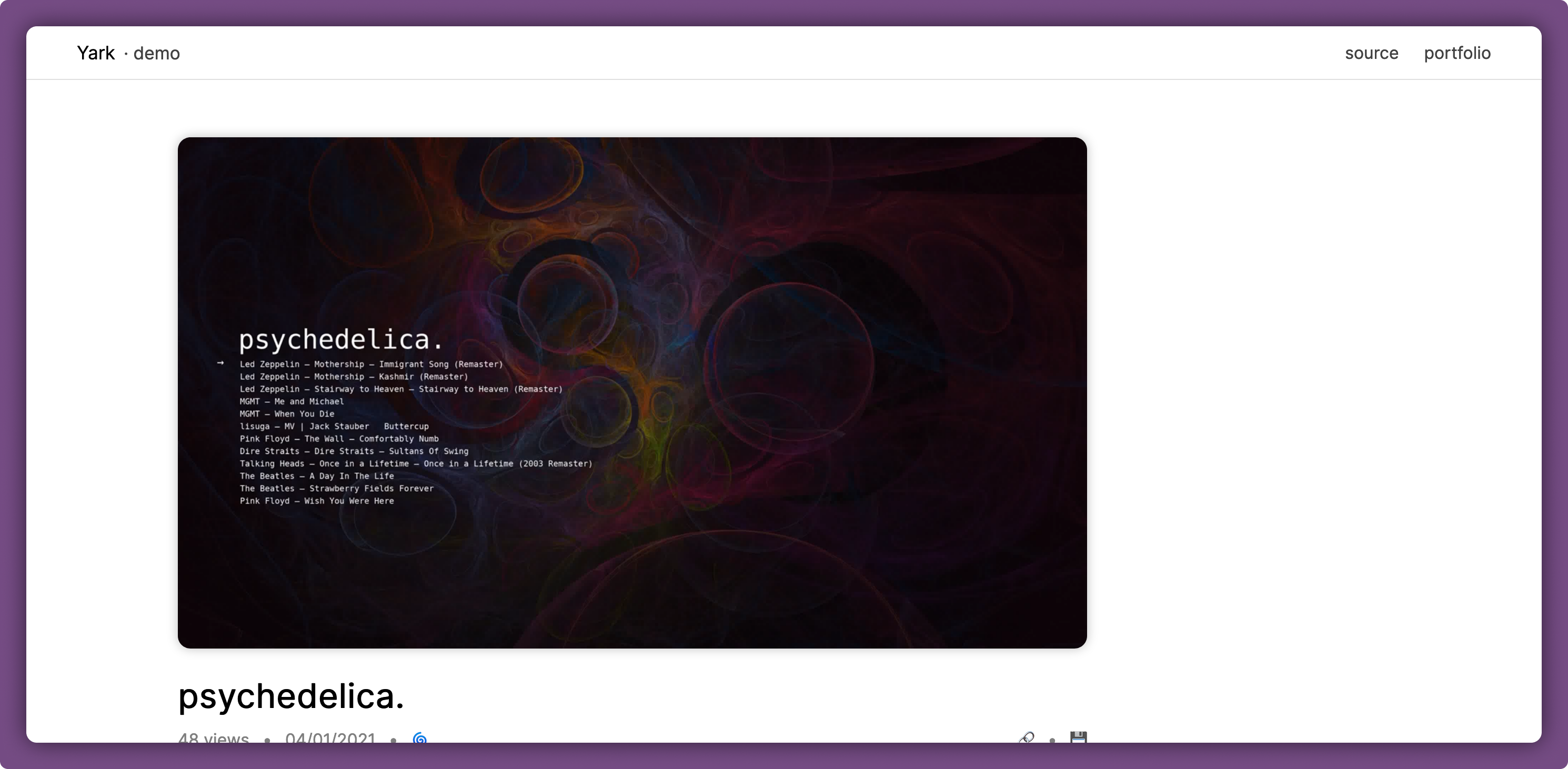
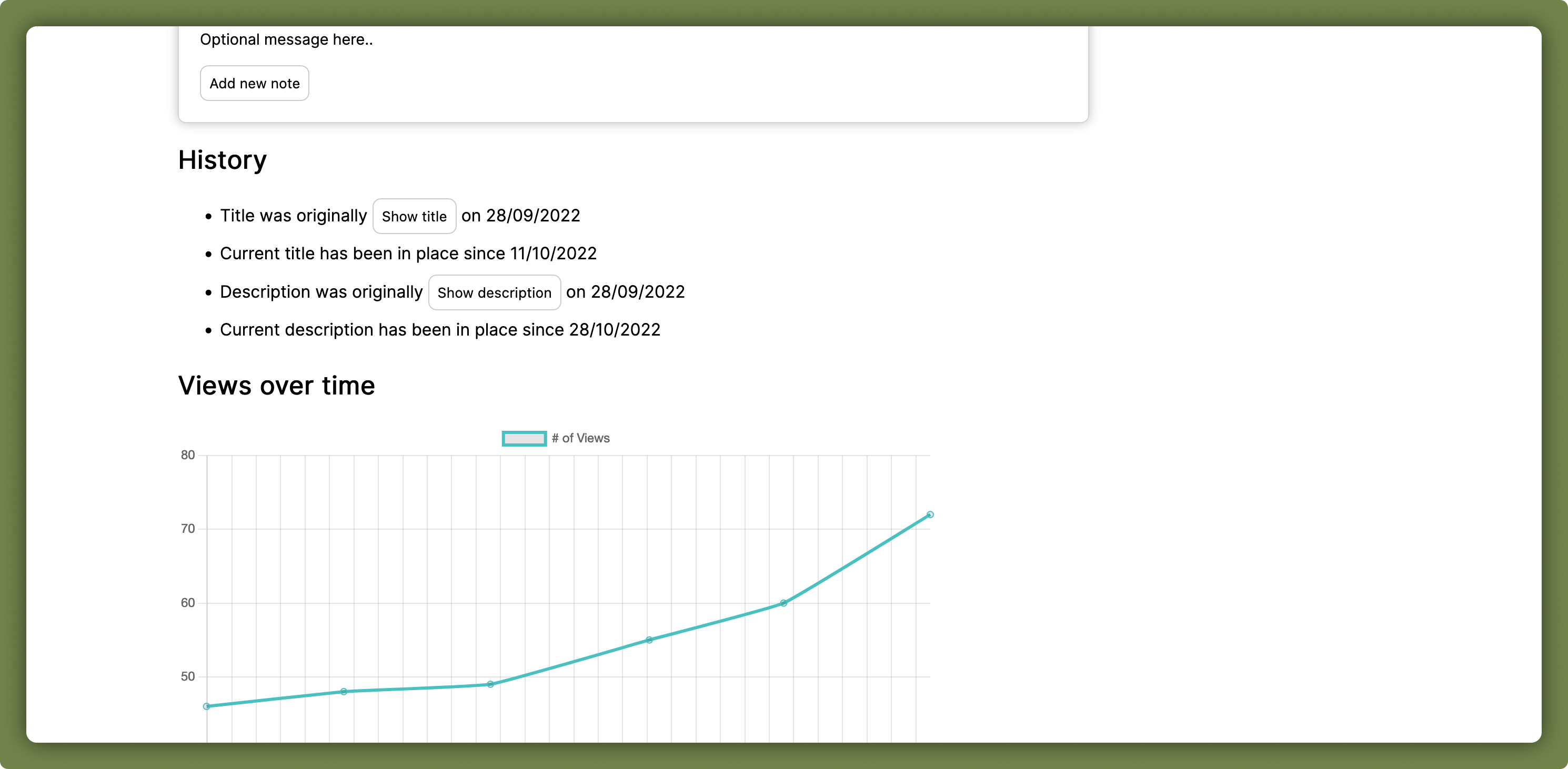
Under each video is a rich history report filled with timelines and graphs, as well as a noting feature which lets you add timestamped and permalinked comments 👐
Light and dark modes are both available and automatically apply based on the system’s theme.
Details
Here are some things to keep in mind when using Yark; the good and the bad:
- Don’t create a new archive again if you just want to update it, Yark accumulates all new metadata for you via timestamps
- Feel free to suggest new features via the issues tab on this repository
- Scheduling isn’t a feature just yet, please use
cronor something similar! - Archives are always additive. If a video is deleted or marked as private on the YouTube side, Yark will retain the video and mark it with the
deletedtag. Therefore, the videos will remain in your local archive.
Archive Format
The archive format itself is simple and consists of a directory-based structure with a core metadata file and all thumbnail/video data in their own directories as typical files:
[name]/– Your self-contained archiveyark.json– Archive file with all metadatayark.bak– Backup archive file to protect against data damagevideos/– Directory containing all known videos[id].*– Files containing video data for YouTube videos
thumbnails/– Directory containing all known thumbnails[hash].png– Files containing thumbnails with its hash
It’s best to take a few minutes to familiarize yourself with your archive by looking at files which look interesting to you in it, everything is quite readable.