Powershell-RAT
→ View on GitHubAI Summary: Powershell-RAT is a Python-based remote access tool designed for red team engagements to backdoor Windows machines. Its primary use case involves tracking user activity through screen captures and exfiltrating data via email attachments using Gmail. Key features include stealthy operation, the ability to execute tasks such as taking screenshots and scheduling tasks, and a comprehensive “Hail Mary” option for automated execution.
README
Powershell-RAT
Python based backdoor that uses Gmail to exfiltrate data as an e-mail attachment.
This RAT will help someone during red team engagements to backdoor any Windows machines. It tracks the user activity using screen capture and sends the information to an attacker as an e-mail attachment.
Note: This piece of code is Fully UnDetectable (FUD) by Anti-Virus (AV) software.
This project must not be used for illegal purposes or for hacking into system where you do not have permission, it is strictly for educational purposes and for people to experiment with.
Any suggestions or ideas for this tool are welcome - just tweet me on @ManiarViral
RAT Architecture Diagram

Screenshot
On the first run of the Powershell-RAT user will get options as below:
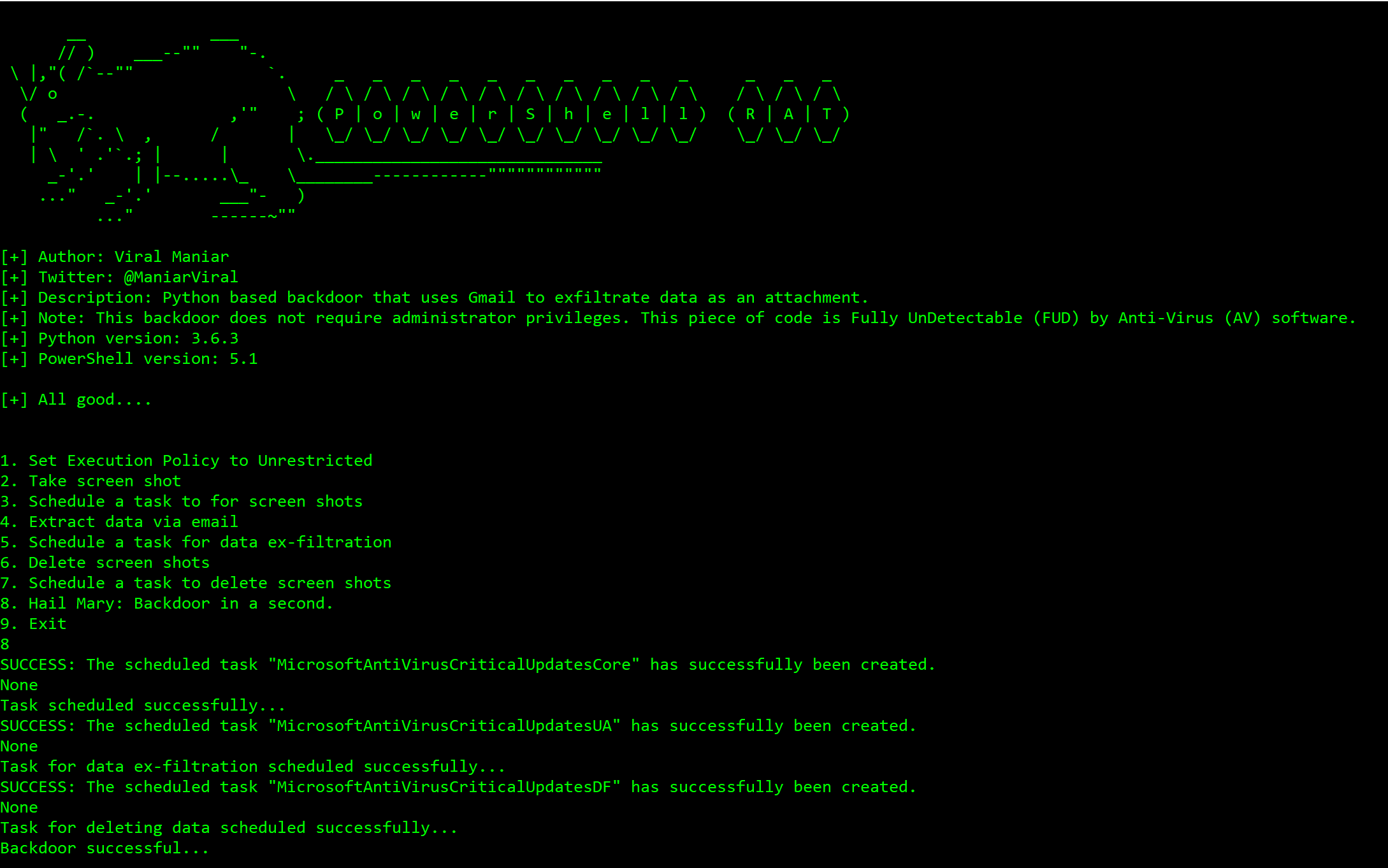
Using Hail Mary option to backdoor a Windows machine:

Successfully taking screenshots of the user activity:
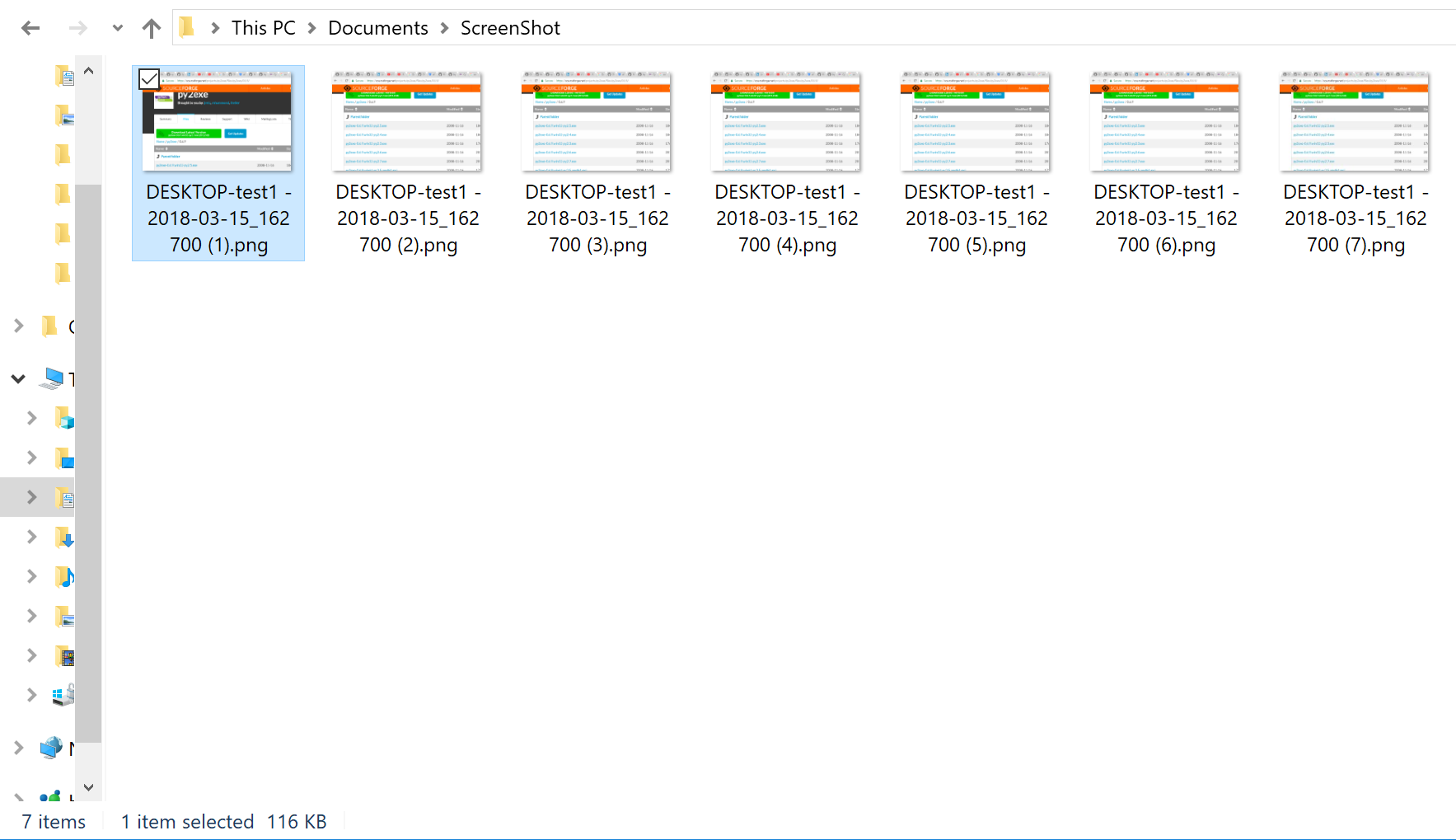
Data exfiltrated as an email attachment using Gmail:

My Windows machine do not have Python installed, what should I do?
Compile
PowershellRAT.pyinto an executable using PyinstallerPyInstaller is available on PyPI. You can install it through pip:
pip install pyinstaller
Setup
- Throwaway Gmail address
- Enable “Allow less secure apps” by going to https://myaccount.google.com/lesssecureapps
- Modify the
$username&$passwordvariables for your account in theMail.ps1Powershell file - Modify
$msg.From&$msg.To.Addwith throwaway gmail address
How do I use this?
Press 1: This option sets the execution policy to unrestricted using
Set-ExecutionPolicy Unrestricted. This is useful on administrator machinePress 2: This takes the screenshot of the current screen on the user machine using
Shoot.ps1Powershell scriptPress 3: This option backdoors the user machine using
schtasksand sets the task name toMicrosoftAntiVirusCriticalUpdatesCorePress 4: This option sends an email from the user machine using
Powershell. These usesMail.ps1file to send screenshot as attachment to exfiltrate dataPress 5: This option backdoors the user machine using
schtasksand sets the task name toMicrosoftAntiVirusCriticalUpdatesUAPress 6: This option deletes the screenshots from user machine to remain stealthy
Press 7: This option backdoors the user machine using
schtasksand sets the task name toMicrosoftAntiVirusCriticalUpdatesDFPress 8: This option performs all of the above with a single button
press 8on a keyboard. Attacker will receive an email every5 minuteswith screenshots as an email attachment. Screenshots will be deleted after12 minutesPress 9: Exit gracefully from the program or press
Control+C
Questions?
Twitter: https://twitter.com/maniarviral LinkedIn: https://au.linkedin.com/in/viralmaniar
Contribution & License

This work is licensed under a Creative Commons Attribution 4.0 International License.Want to contribute? Please fork it and hit up with a pull request.
Any suggestions or ideas for this tool are welcome - just tweet me on @ManiarViral
To Do
- Encrypted exfil over Gmail to defeat SSL inspection
- Get photos from front camera
- Record mic